


Guide
Adobe Podcast Enhance Speech sounding robotic? Here’s why — and how to choose
Why Enhance Speech results can sound robotic — and what to try
It usually happens when a model rebuilds a voice from very little information at full strength.
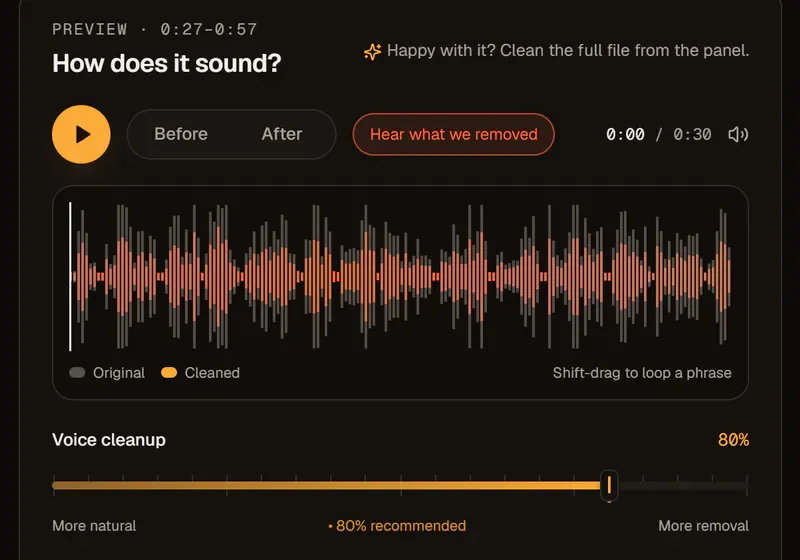
Speech enhancement re-synthesizes parts of the voice. On a noisy or distant podcast recording the model guesses more, and at 100% those guesses can sound metallic or lispy. That’s true of any enhancement model, ours included, so turn the processing down before you give up on the file.
| What you hear | Likely cause | Try |
|---|---|---|
| Metallic or “underwater” voice | Too much processing | Lower the strength to 70–85% |
| Lisps or smeared “s” sounds | Over-rebuilt high frequencies | Turn off high-frequency restore |
| Voice sounds like someone else | Very poor source | Noise removal only, no enhancement |
| Breaths and room gone completely | Full-strength cleanup | Blend some original back in |
How to choose an Adobe Podcast Enhance alternative
The right Adobe Podcast Enhance alternative depends on what your podcast files need, not on a feature list.
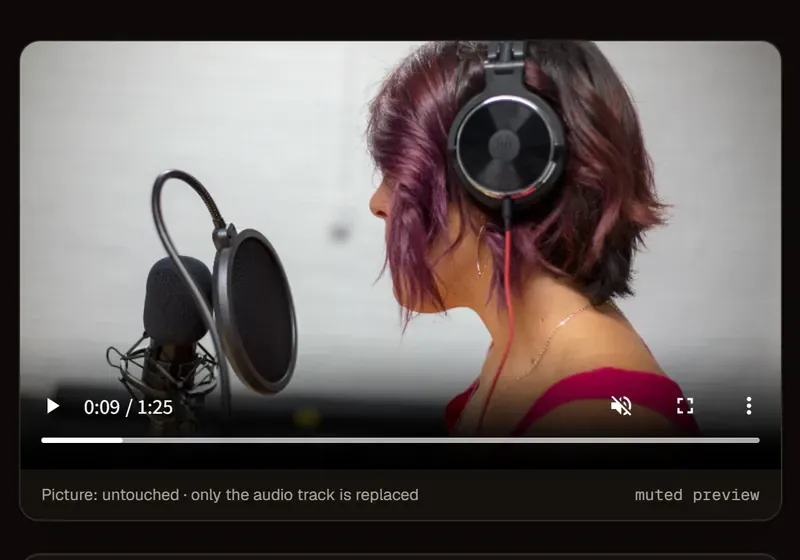
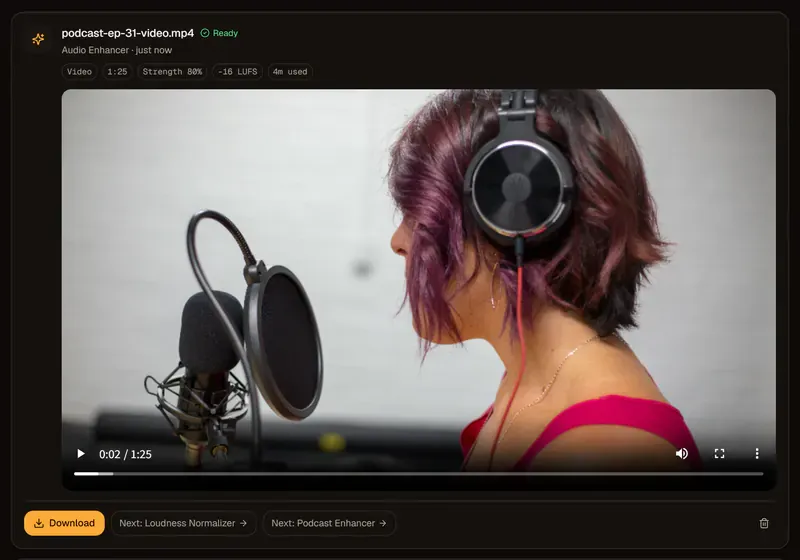
Whether you search for Adobe Podcast AI Enhance, Enhance Speech or just Adobe Enhance, podcast editors tend to ask four questions: Same video file back? Adjustable strength? How long are files kept? Pay by the minute? audio2clean’s answers are yes, yes, 24 hours and yes. Check each tool’s own pages for theirs.
Using the Adobe Podcast Enhance free tier and audio2clean together
You don’t have to switch completely; an Adobe Podcast Enhance alternative can sit alongside the original.
Use Adobe’s free tier for quick, audio-only podcast clips and audio2clean for video, a strength dial or pay-as-you-go minutes. Start at 80% strength and keep podcast loudness at −16 LUFS.