Guide
How to improve voice quality on a cheap USB microphone
Distance does more for your voice than a new mic
Moving from arm’s length to 10–15 cm (4–6 in) improves a budget mic more than upgrading it.
Up close, your voice is much louder than the room, so echo and background drop away. Speak slightly across the mic to avoid pops, and keep the distance steady so your level doesn’t wander.
Enhance voice recording quality before you hit record
Gain, room and noise sources decide most of the result before AI touches it.
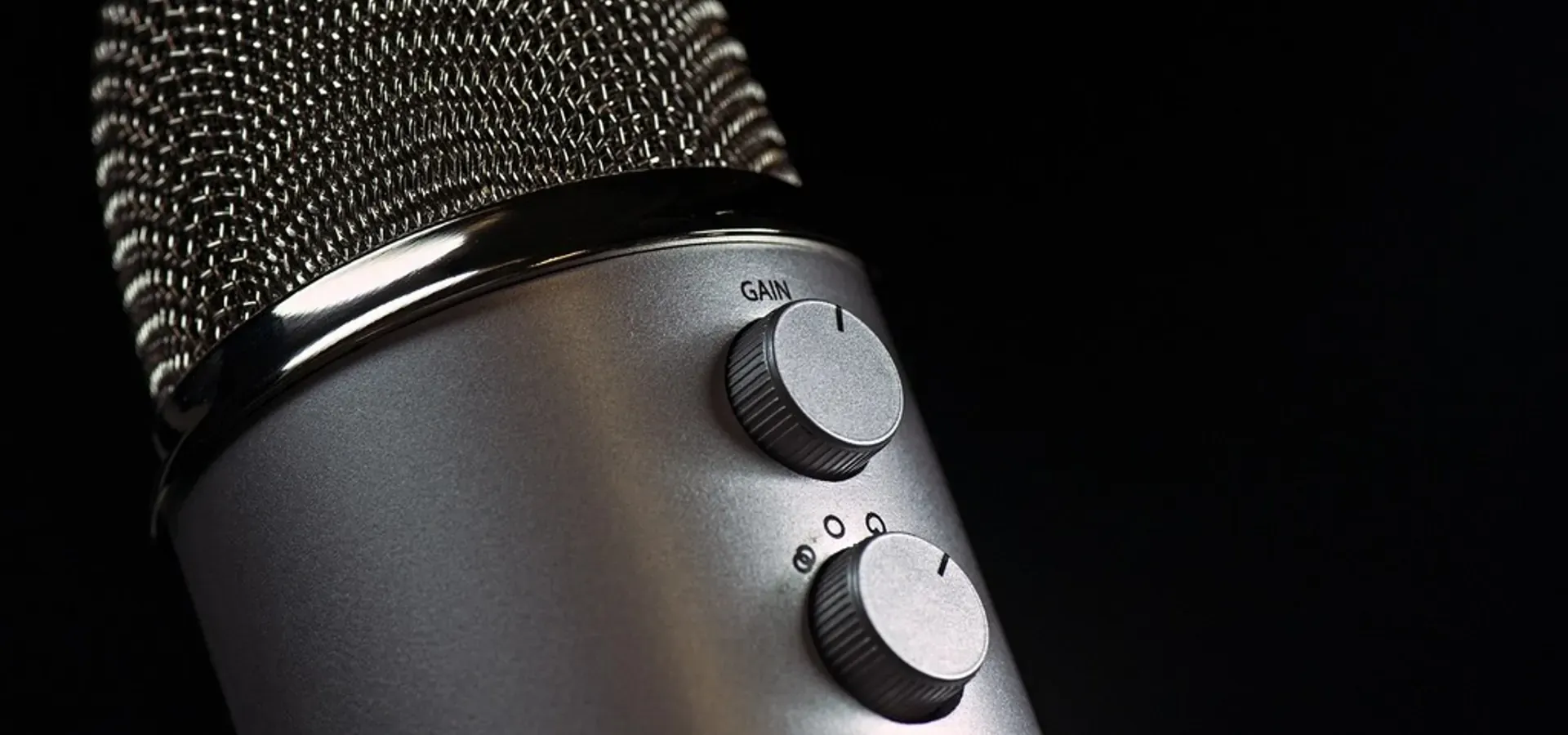
Clipping can’t be undone, so leave headroom. Record in the softest room you have, switch off fans, and move the mic away from your keyboard.
| What you hear | Fix before recording | What the voice enhancer does |
|---|---|---|
| Hollow, roomy sound | Get closer; add soft furnishings | Remove Echo reduces what’s left |
| Hum or buzz | Try another USB port or cable | Removed |
| Thin, small voice | Get closer; point the mic at your mouth | Presence restored |
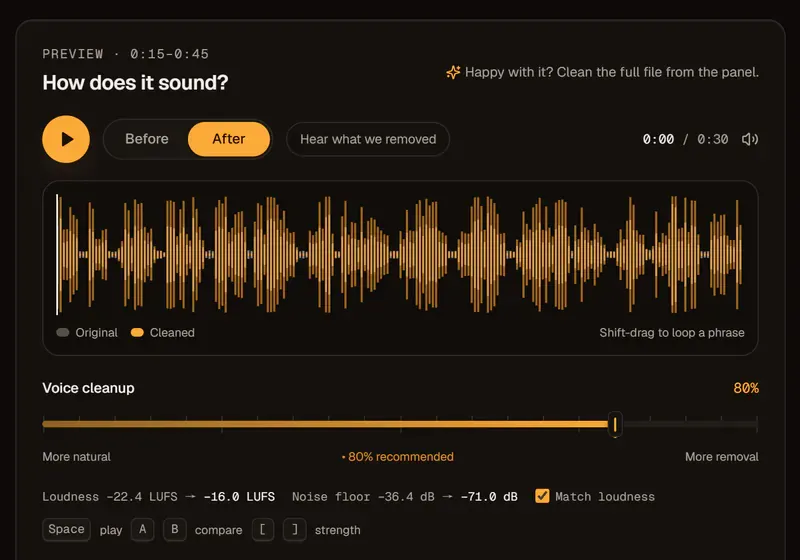
| Too quiet | Raise gain, keep headroom | Loudness set to −16 or −14 LUFS |
| Distorted peaks | Lower the gain | Can’t be repaired — re-record |
Voice enhancer or audio enhancer?
Use the voice enhancer when it’s your own mic you want to sound better; use the Audio Enhancer to rescue a file someone else recorded.
Each is a voice audio enhancer at heart. For Zoom calls, voice memos and old tape transfers, the Audio Enhancer page walks through each source.