



Beta · 30-second preview free

Remove echo from audio — light room echo and noise

Need to remove echo from audio recorded in an ordinary room? This beta reduces light room echo and background noise in one pass, but not heavy reverb from halls or gyms. MP3, WAV or MP4 — video stays untouched.

Drop your audio or video here

or browse files · MP3, WAV, M4A, FLAC, MP4, MOV · up to 2 GB

  • Auto-deleted in 24 h
  • Strength you control
  • Video in, video out

Hear it · no file needed

A / B
0:00 / 0:00
Original

Hear the difference

Remove echo from audio: hear the before and after

Play the lecture clip and switch Before/After. On the spectrogram, room echo shows up as smeared tails after each word. Then try your own file — 30 seconds free.

  • ABSwitch at the same moment — the word you were hearing, cleaned.
  • R“Hear what we removed” plays only the noise, so you know the voice is intact.
  • []Drag the strength. It mixes live in your browser — no re-processing.

Demo clips are short synthetic signals for illustration. Real before/after recordings are being added.

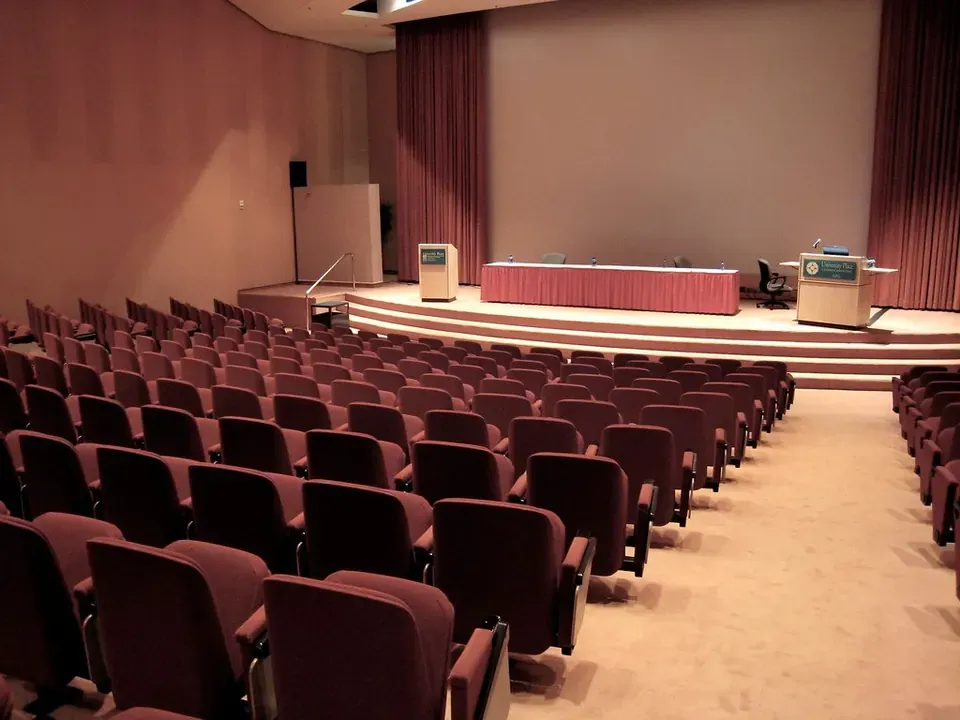
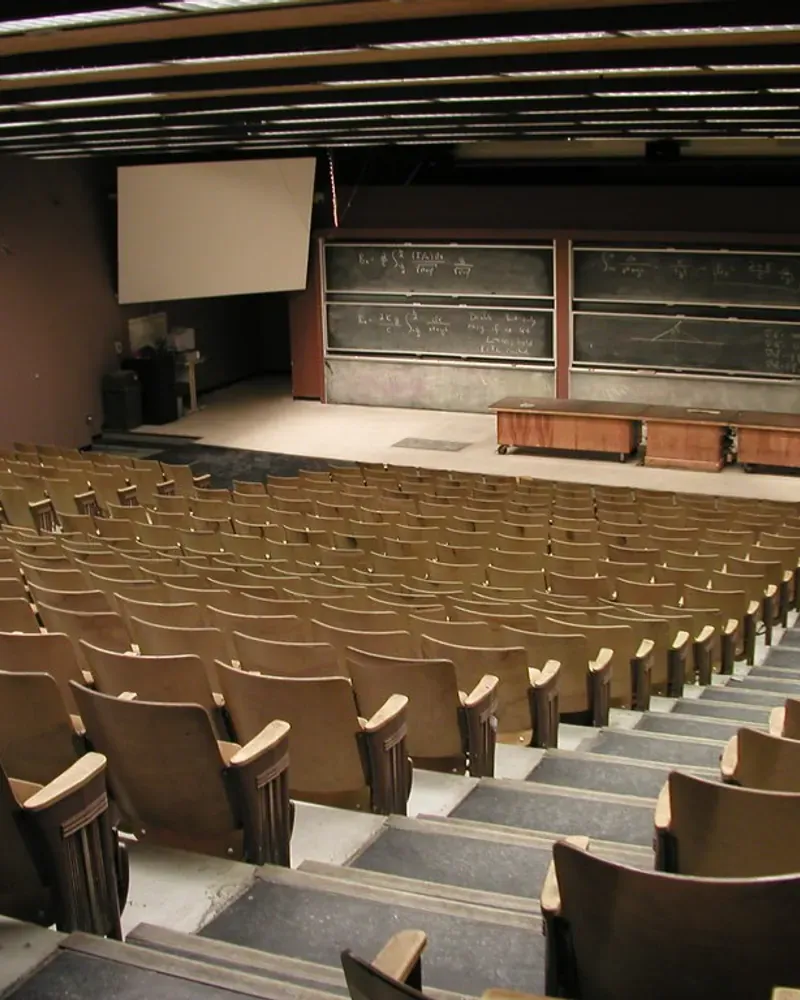
Lecture recorded from the back of a lecture hall

0:00 / 0:00
Original
1001k4k10k
Before

Tool: Echo Remover

Pick your room

Where did the room echo come from?

Every room echoes differently, and this beta only handles the lighter cases. Here’s what to expect from each.

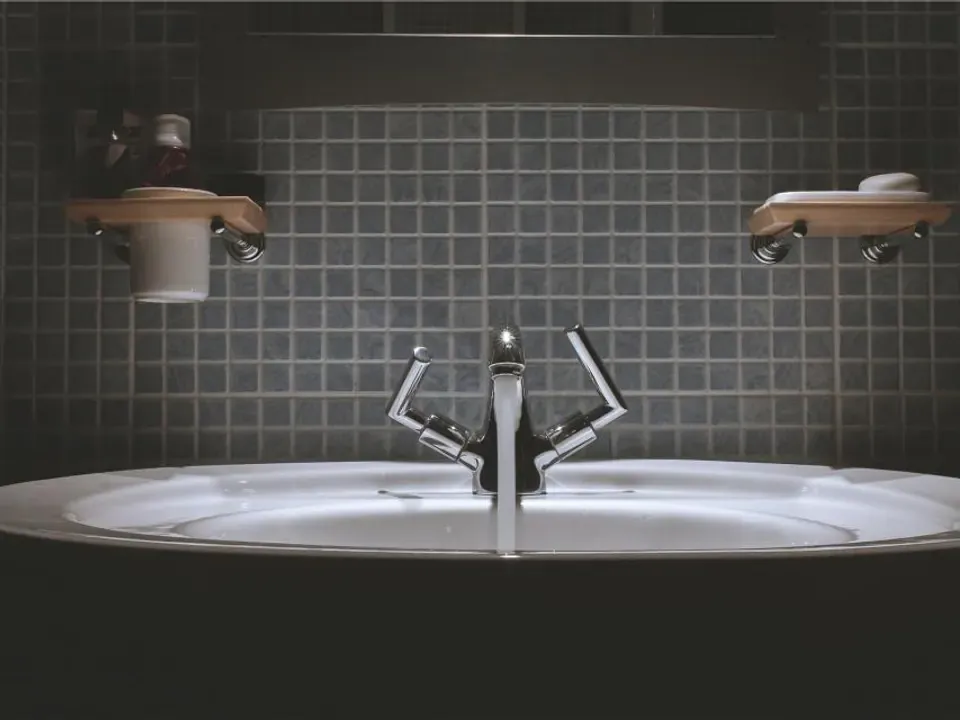
Dimly lit bathroom sink against a tiled wall, hard surfaces that bounce sound

Bathroom echo

Tile and glass bounce sound back fast, giving a bright, ringing voice. A faint ring softens; a strong one stays.

Honest limits

When you can remove echo from audio — and when you can’t

The Echo Remover is in beta: today it runs our noise model at full strength. That helps with light room echo and noise; it can’t remove heavy reverb.

Works great

  • Hum, hiss and fan noise under the voice
  • A faint room sound in a furnished home office
  • Zoom and Teams calls with a little room echo

Improves a lot

  • Light echo from bare walls and floors
  • Phone recordings with a faint bathroom or kitchen ring
  • Echo and background noise together in a small room

Can’t fully fix

  • Remove heavy reverb in big halls, gyms or stairwells
  • Recover words that long reverb blurred together
  • Make a mic across the room sound like one up close
  • Fix clipping, distortion or muffled audio

How it works

How to remove echo from audio in three steps

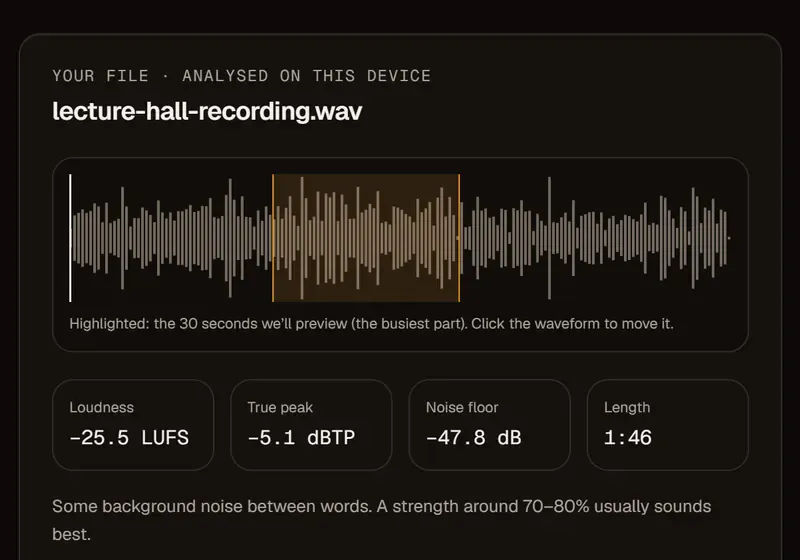
  1. Lecture hall recording analysed on your device, with the preview window, loudness, true peak and noise floor

    Fig. 01

    Drop the recording with room echo

    MP3, WAV, M4A or MP4. Video comes back with the picture untouched.

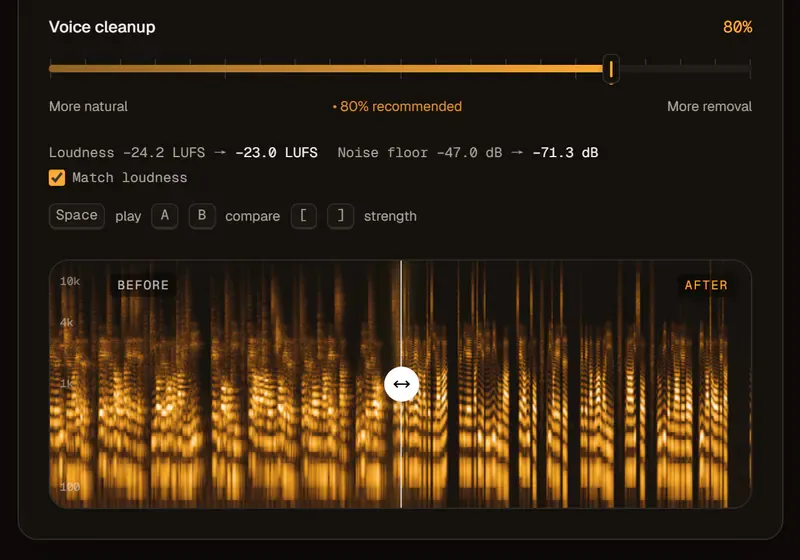
  2. Spectrogram with a smeared reverb tail Before and tighter speech After, with Voice cleanup at 80%

    Fig. 02

    Preview the echo removal free

    Hear 30 seconds free. Start around 70–85% on the dial — pushed toward “More removal”, a voice can sound dry and boxed-in.

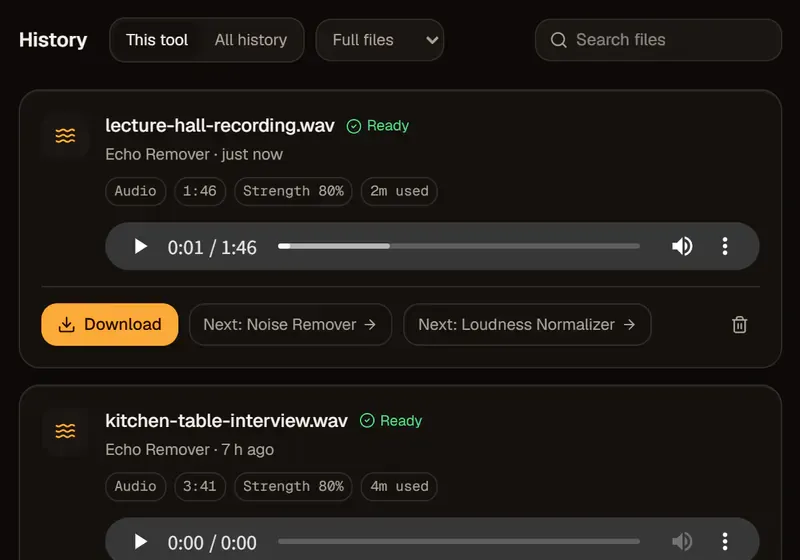
  3. History card for the lecture hall recording with echo reduced, marked Ready, with a Download button

    Fig. 03

    Download with less echo

    Download a 48 kHz WAV, or the same video back. Noise is reduced in the same pass, so there’s usually no second step.

Controls that matter

An echo remover with honest controls

Echo strength you set

Blend processed and original voice live in your browser, from “More natural” to “More removal”. A little room keeps a voice from sounding boxed-in.

Instant A/B on the echo

Hold \ or switch at the same word to hear exactly how much room you removed.

Echo removal on video

MP4 in, MP4 out. Only the audio track changes; the picture is copied frame for frame.

Remove echo and background noise from audio in one pass

Because the Echo Remover is built on our noise model, hum, hiss and fans come down along with light room echo.

Loudness presets after echo removal

Finish at −16 LUFS for podcasts or −14 for YouTube, or keep the original level.

Guide

Room echo explained — and how to stop recording it

Echo vs reverb: the same problem at different speeds

Echo is a distinct repeat you can hear on its own; reverb is many reflections blended into one wash — and most “echo” in voice recordings is really reverb.

Both come from sound bouncing off hard surfaces before it reaches the mic. The lighter the room sound, the more any tool can do to remove echo from audio afterwards.

EchoReverb
What you hearA clear repeat of a wordA wash or tail after words
Typical placeLarge hall, stairwell, parking garageBathroom, empty room, classroom
Prevent it byMoving away from big flat wallsGetting closer; adding soft furnishings

How to reduce echo in a room before you record

Getting closer to the mic beats any acoustic treatment — and any software.

Speak 10–15 cm (4–6 in) from the mic so your voice is far louder than the room. Add soft things: curtains, a duvet over a door, a rug, a sofa behind you. And skip empty rooms — a closet full of clothes beats a bare living room. On calls, a headset mic does the same job.

Can software remove room echo from audio afterwards?

Some, if the echo is light.

The Echo Remover is our noise model turned all the way up. That lowers background noise and takes the edge off a slightly roomy voice, so it’s a fair way to remove echo from audio recorded in a furnished room. Heavy reverb from halls, gyms and stairwells stays.

Pricing

Remove echo from audio free, then pay for minutes

Every file starts with a free 30-second preview, and trying strength settings on it costs nothing. Then you pay for the length you clean, rounded up to whole minutes per file, at 1× for the Echo Remover. Failed jobs return minutes automatically.

See full pricing

Free

$0

30-second previews with no sign-up, plus 10 free minutes when you create an account.

Pay as you go

$4.992 hours

≈ $2.50 an hour. WAV and video exports. Minutes last 12 months.

Creator

$9.99/ month

10 hours every month for weekly shows and channels.

Echo removal that keeps your files private

  • Deleted after 24 hoursUploads and results are removed automatically. Delete them yourself any time.
  • We never train on your filesYour recordings are processed to give you a file back — nothing else.
  • Your content stays yoursNo watermark, no ads, no re-licensing. You keep every right to your audio.

FAQ

Remove echo from audio: questions, answered

Something else? Write to support@audio2clean.org.

Upload the file, preview 30 seconds free and set the strength — 70–85% is a good start. Light room echo and background noise come down together. You get a WAV back, or the same video with only the audio replaced.

Not one we can offer yet. Our Echo Remover uses an AI noise model: it helps with light room echo, but heavy reverb in halls, churches and gyms stays. A dedicated echo model is in testing.

You can preview any file free for 30 seconds — 2 previews a day as a guest, 3 with a free account, which also gets 10 minutes once. After that, $4.99 buys 2 hours, or Creator is $9.99 a month for 10 hours.

Yes. Upload an MP4 or MOV and get the same video back with only the audio track replaced, or an audio-only WAV. The picture is copied frame for frame, so the voice stays in sync.

Not really. Muffled audio usually comes from a covered or distant mic or a call codec, not the room — try the Voice Enhancer or Audio Enhancer. If a voice sounds dull after echo removal, turn the dial toward “More natural”.

Laptop mics sit far away and hear the whole room, so bare walls and floors come through as reverb. Upload the recording to reduce echo a little; next time sit closer, put something soft behind you, or wear a headset.

Because no dedicated echo model is behind it yet — it runs our noise model at full strength. It bills like noise removal, one minute per minute, and the exact amount shows before you start.

Remove echo from audio — hear a free preview

Hear 30 seconds with less room echo, free — no sign-up, deleted after 24 hours.

Drop your audio or video here

or browse files · MP3, WAV, M4A, FLAC, MP4, MOV · up to 2 GB

Or open Echo Remover without a file