



Guide
Why phone and Zoom audio sounds muffled — and what an audio enhancer restores
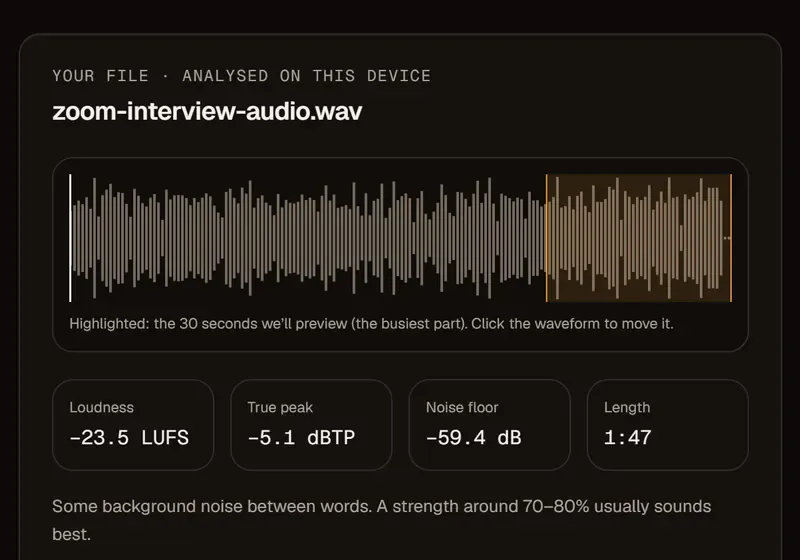
Muffled audio is missing detail, not volume
Phones and call apps throw away the high frequencies that make consonants crisp, so turning the file up just gives you a louder muffle.
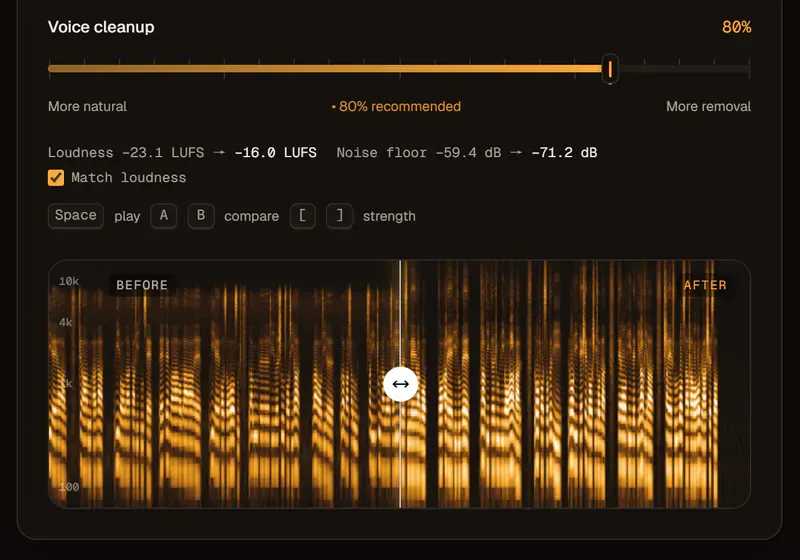
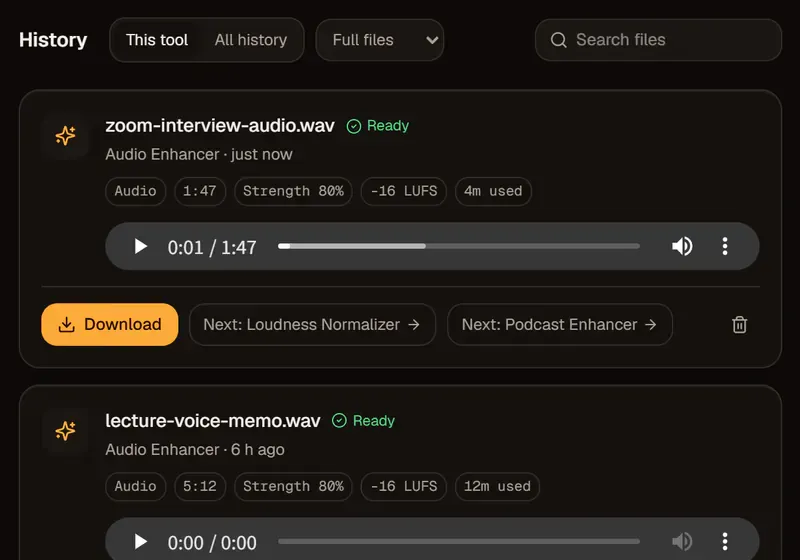
To save data, calls often record at a low sample rate with heavy compression, cutting off the “s”, the “t” and the breath that make speech clear. An AI audio enhancer predicts that missing range from the part that survived, and rebuilds it.
A noise remover only takes things away, so on a muffled call it can leave the voice even thinner. Enhancement adds back what’s missing.
What an AI audio enhancer can restore — and what it only approximates
Restored detail is a confident reconstruction of the voice, not the original sound brought back.
For clarity and listening comfort, that’s what you want. For a legal record or evidence, keep the original too — and words lost in a frozen call can’t be rebuilt.
| Source | What’s lost | What to expect |
|---|---|---|
| Zoom, Teams, Meet | Highs and air; compression artifacts | A much clearer, fuller voice |
| Phone voice memo | Body, when far from the mic | Clearer — best when the phone was close |
| Low-bitrate MP3 | Highs; swirly artifacts | Smoother and brighter |
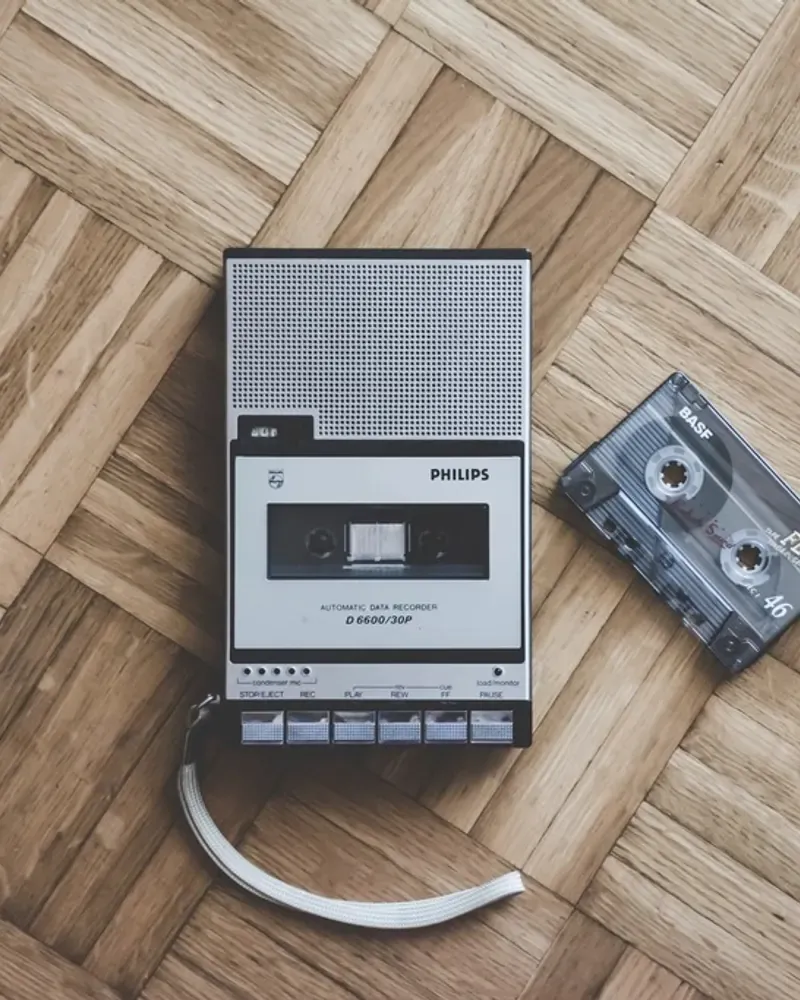
| Old tape transfer | Highs; hiss | Less hiss, brighter speech; speed wobble stays |
Enhance audio or remove noise first?
If the voice itself sounds bad, use the audio enhancer; if the voice is fine but something is behind it, use a noise remover.
With both problems, clean first and enhance second. The enhancer is built for speech — voice recordings, interviews and video voiceovers — not for mastering music.